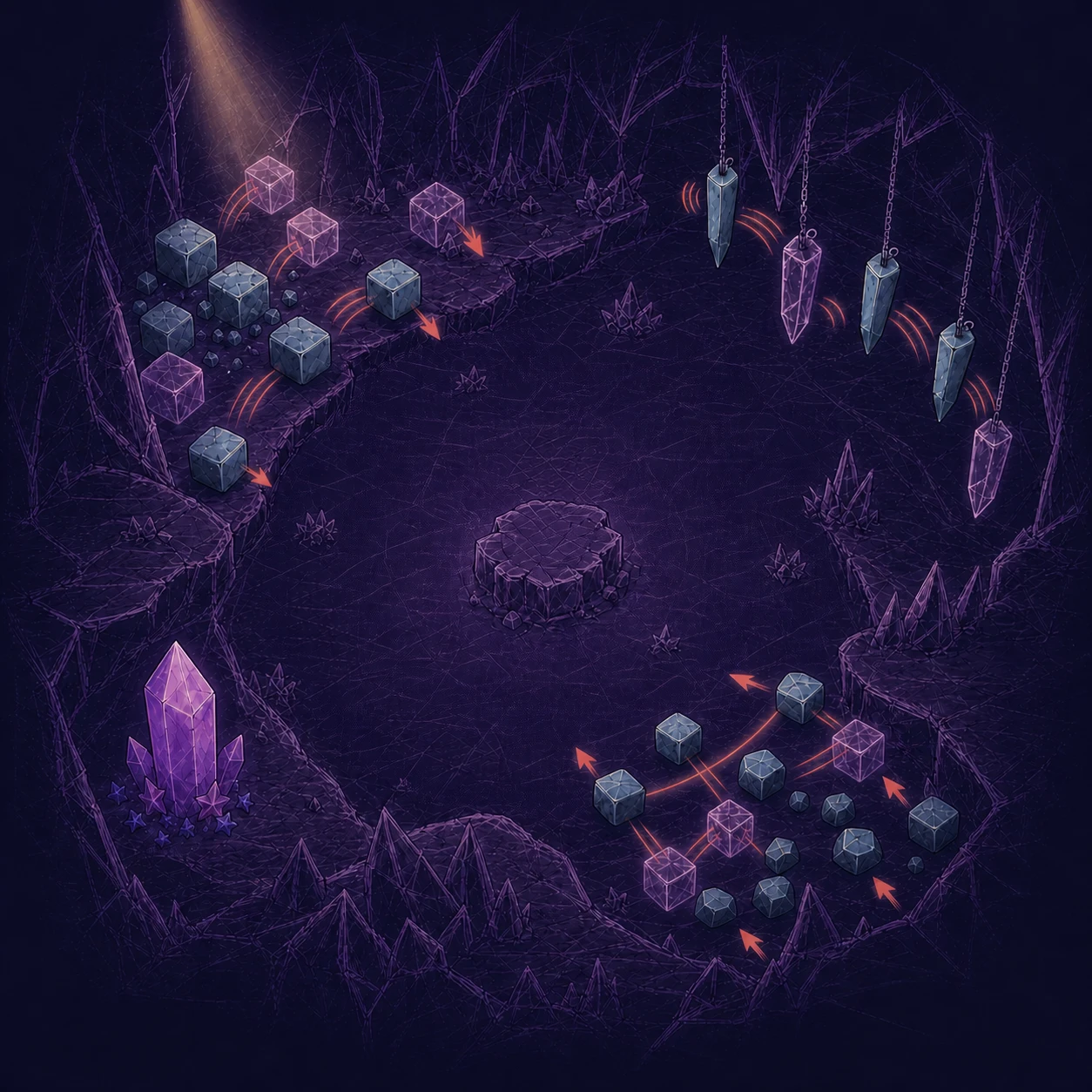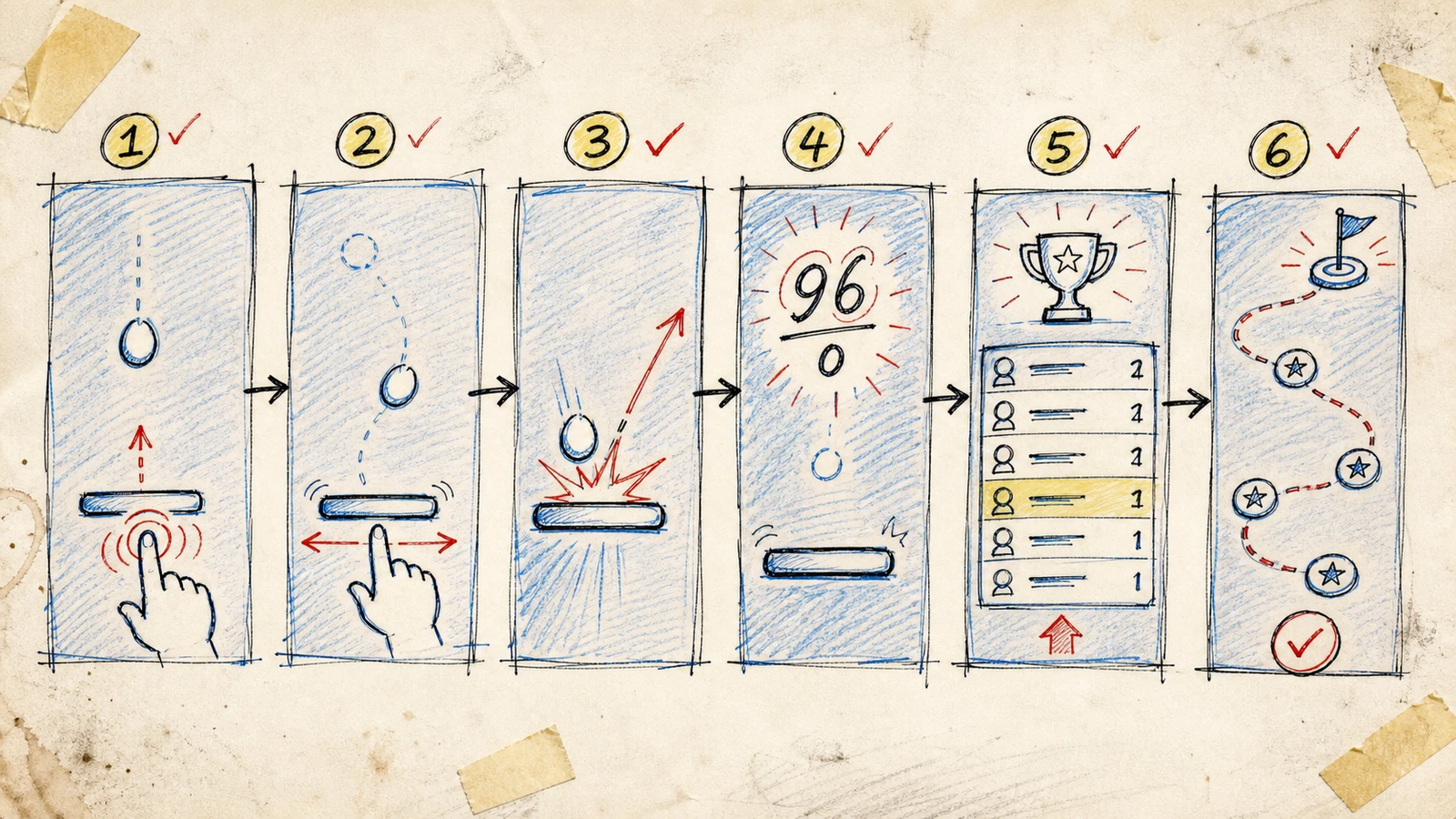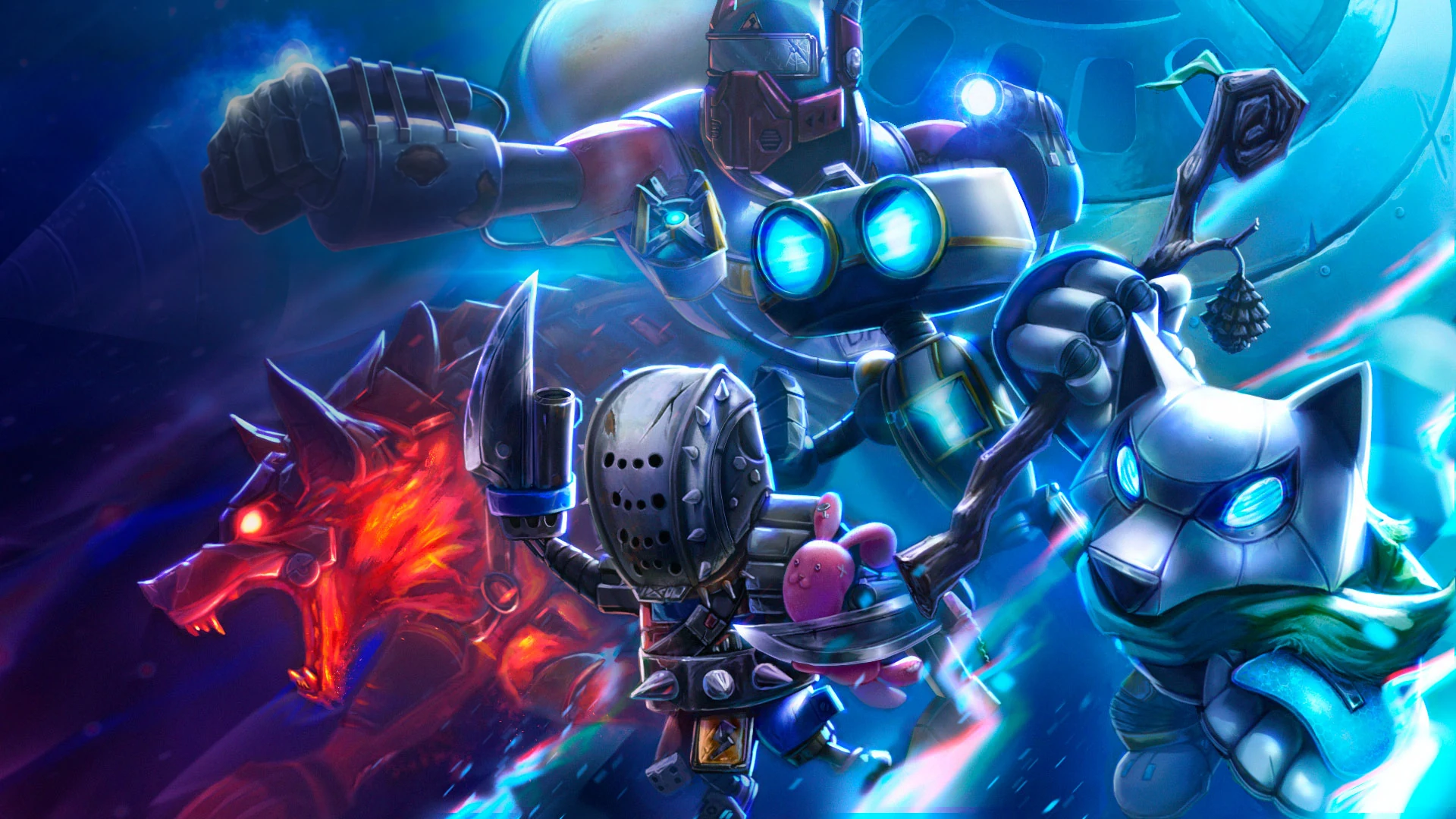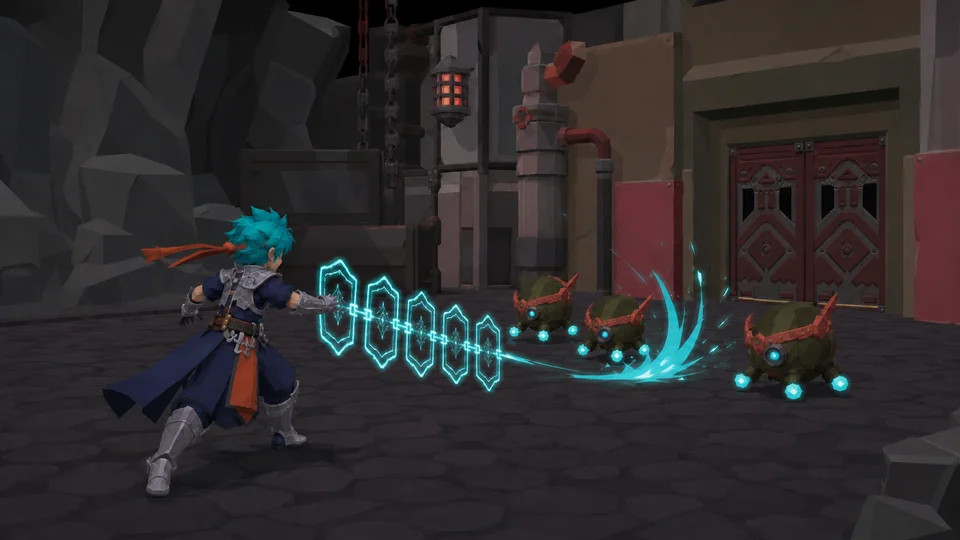


The About page opens like a short film: the scene begins nearly black, drawn lines emerge, five shafts cross the cavern and the finished Resonance artwork is fully revealed. The sequence lasts 6.2 seconds, but there is no video file behind it.
The result is generated in the browser. A responsive image becomes a WebGL2 canvas texture; a fragment shader calculates drawing, noise, light, penumbra and reveal; requestAnimationFrame advances progress; GSAP handles the interface transition. It became an interesting technical result and a genuine learning exercise. It was also more expensive, fragile and time-consuming than its final appearance suggests.
This is not an argument that shaders are better than video. It is a record of where the choice paid off, where it did not, and how I would reduce the same problem today.

The same responsive image is both the shader input and the final page state.
The problem looked smaller than it was
The initial intention was simple: turn one piece of artwork into an opening that communicated process — concept becoming a finished image — without placing a large video at the top of the page.
That sentence hides several different decisions:
- how to extract a recognizable drawing from a color image;
- how to make the lights read as independent volumes rather than five identical triangles;
- how to reveal color without producing a hard layer swap;
- how to keep text and image inside the same progression;
- how to adapt resolution, aspect ratio and pixel density;
- how to end in a static state when WebGL, motion or data use are not appropriate.
A video would have condensed those decisions into exported frames. The procedural approach transferred all of them into code and runtime behavior.
What was actually built
The implementation uses one texture, one full-screen rectangle and one draw call per frame. Its geometric simplicity ends there. Inside the fragment shader, every pixel passes through several stages:
- the image is partially converted to luminance and adjusted for contrast;
- a Sobel-inspired edge filter extracts contours;
- fractal noise and grain create an irregular pencil reveal;
- five coordinate systems define different directions, widths and depths for the light shafts;
- halos, cores, trails and heads receive different intensities;
- masks combine blueprint, illumination and final artwork;
- a final transition makes the canvas converge on the HTML image that remains visible.
Progress does not advance by “one value per frame.” It is calculated from the timestamp supplied by requestAnimationFrame, preventing a 120 Hz display from playing the sequence twice as fast. MDN recommends using that timestamp and notes that browsers usually pause these callbacks in hidden tabs, avoiding unnecessary work and battery use.
The same progress value feeds CSS variables that reveal the interface. This was a real advantage over an independent movie: copy, masks and scene share one clock instead of trying to follow the currentTime of another media element.
The canvas observes size changes, caps its internal density at 1.5 times its CSS size and releases its texture, buffers, program and shaders when finished. If the visitor requests reduced motion, enables data saving, hides the page or has no WebGL2 support, the experience skips the sequence and presents the finished state.
Why avoiding video seemed correct
There were legitimate reasons to try a browser-generated solution:
- one visual state: the animated texture and final image come from the same asset;
- DOM synchronization: headings and actions can respond to the same progress;
- responsiveness: the browser selects a 640, 960 or 1600-pixel image before sending it to the shader;
- parameterization: the direction, width and strength of each shaft remain editable;
- instant fallback: the page can settle directly on the result without seeking a particular frame;
- no additional movie: there is no need to maintain MP4 and WebM renders beside the page image.
Video does not remove performance decisions. A <video> element still needs a poster, preload strategy, codecs and alternative sources. MDN notes that browsers do not all support the same formats; web.dev explains that autoplay video generally starts downloading immediately and that its first visible image must arrive quickly.
Avoiding a video file does not automatically produce a lighter solution. Transferred bytes are only one cost. Shader work, integration, QA, GPU variability, maintenance and art-direction time belong in the same calculation.
Where the implementation began to hurt
Art direction became mathematics
“The light feels artificial” did not point to one property. The correction might live in origin, direction, initial width, dispersion, halo, falloff, noise or entry timing. Every adjustment had to be translated into normalized coordinates and functions such as smoothstep, exponentials and mixes.
The five shafts initially risked reading as one uniform fan. Breaking that pattern required individual directions, widths, tapers and strengths. It solved the composition, but distributed art direction across dozens of GLSL constants without editorial names or a dedicated preview tool.
The ending jumped even when the geometry matched
The canvas sat above the HTML image. When it faded out, the remaining volumetric light disappeared before the layer below took over. The eye interpreted the change as a positional or exposure jump even though both layers shared the same 16:9 geometry.
The fix was an explicit handoff. Between 83% and 98.5% progress, the shader gradually abandons its treatment and converges on the same filtered texture as the final image. This stage was not part of the original concept, but it was necessary to hide the renderer swap.
Loading became animation state
The first flow only awaited image.decode(). That was insufficient: browsers may reject the promise even when the current image is usable, while an indefinite wait can trap the page in preparation. The implementation began checking complete, naturalWidth and a race against a 1.2-second timeout. If the texture is not ready, the page settles statically.
Performance could not be inferred from the primary desktop
The shader performs edge samples and several noise evaluations for every pixel in the canvas. On a high-density display, cost grows with rendered area, not with the number of visible elements. Capping pixel ratio was a practical defense, but also an admission that sharpness and cost needed to be negotiated.
MDN’s WebGL best-practices guide recommends treating memory as a per-pixel budget, considering a smaller back buffer and not assuming that a configuration fast on one machine will be portable. It also warns that alpha: false, used here for an opaque canvas, can be more expensive on some platforms — precisely the kind of detail that should be measured rather than assumed.
Exploration left visible debt
The reference commit preserves 705 lines in the animation controller. The page also keeps roughly 315 lines of an SVG approach marked legacy, hidden beside the active canvas. That is useful evidence of exploration, but not an architecture I would keep in production.
A discarded attempt should have become documentation or a sandbox instead of remaining in public markup. Two representations increase cognitive cost, blur which layer still matters and make small requests riskier.
The assets revealed another assumption. For this image, the measured AVIF files were larger than their WebP equivalents at all three resolutions, even though the <picture> element prioritizes AVIF. A modern format is not automatically the smallest output; actual files should determine source order.
WebGL or video: the honest comparison
| Criterion | Procedural animation | Exported video |
|---|---|---|
| Visual iteration | change code and parameters, then rebuild | fast in a motion tool, but requires a new render |
| Interface synchronization | shares the DOM’s progress value | needs media events, a playback clock or a separate sequence |
| Responsiveness | math and imagery can react to layout | framing and resolution are fixed at export |
| Visual consistency | may vary by GPU, browser and precision | frames have already been decided by the encoder |
| Transfer | reuses the image and adds JS/shader | adds a poster and one or more video versions |
| Runtime cost | consumes CPU/GPU during the sequence | consumes download and dedicated video decoding |
| Fallback | can settle instantly on the final state | needs a poster, first frame or alternative image |
| Maintenance | high when art lives in technical constants | low in code, high whenever art must be re-exported |
Video would win if the priority were delivering a fixed, approved composition quickly. The sequence does not respond to pointer, scroll or data, so much of WebGL’s interactive potential remains unused.
WebGL wins when progression must control other parts of the interface, parameters must remain editable or the result needs to adapt to states that do not exist at export time.
Was it worth it here?
As a production investment for one fixed opening: probably not. The cost of building and tuning the solution became disproportionate to the 6.2 seconds each visitor sees once.
As a visual-engineering study and portfolio artifact: yes. The implementation demonstrates integration across art, shaders, performance, browser states and fallbacks. It also produced lessons that a finished movie file would have hidden.
Both answers can be true. A solution may create valuable knowledge without being the economical decision I would repeat.
What I would do differently
1. Define acceptance frames before writing the shader
I would approve six stills: opening, first shaft, light crossing, expansion, handoff and final state. Each frame would have criteria for composition, contrast and revealed area. That would turn “it feels wrong” into an observable comparison.
2. Build an isolated lab
The shader should begin on a minimal page with progress scrubbing, layer toggles and named controls. Integrating directly into About mixed art direction, responsiveness, copy, navigation and fallback too early.
3. Precompute what does not need to change
Contours, blueprint and part of the grain could be offline textures. The runtime shader would only move light masks, expand them and blend layers. That would reduce per-pixel samples, source lines and device divergence without losing procedural synchronization.
4. Turn phases into data
Shaft entries, strengths, widths and colors should live in a readable configuration with names tied to the storyboard. Constants scattered through GLSL make comparison and adjustment unnecessarily difficult.
5. Measure three prototypes before committing
I would produce:
- a WebM/MP4 video with a poster;
- the simplified shader with precomputed masks;
- a CSS/SVG version limited to opacity and transform.
Then I would compare bytes, LCP, GPU time, frame stability, editing effort and behavior in Safari, Chrome, mobile and reduced-motion mode. Evidence should make the choice, not fascination with a technique.
6. Remove the losing implementation
The SVG experiment could remain in Git or a lab page, but not in final markup. Runtime should contain only the active solution and its necessary fallback.
The approach I would choose today
For the same direction, I would use a hybrid:
- a responsive image as final state and fallback;
- one or two precomputed masks for drawing and illumination;
- a short shader for moving shafts and blending layers;
- one progress value shared by canvas and interface;
- instant settlement for
prefers-reduced-motion, data saving, hidden tabs or WebGL failure; - a resolution cap validated through benchmarks rather than perception alone.
This preserves the current implementation’s most important advantage — scene and DOM on one clock — without recalculating details that were already known.
If the animation remained completely fixed, had no editorial synchronization and faced a short deadline, I would choose video. I would export at least WebM and MP4, keep the final image as poster and fallback, and measure the real delivery cost before publishing.
The decision is not “code or creativity”
Video turns motion into media. WebGL turns motion into a system. The first fixes decisions and simplifies runtime; the second keeps decisions alive and transfers complexity into engineering.
The useful question is not which technology looks more advanced. It is which decisions must remain alive after the animation is published.
When everything has already been decided, video is often honest and efficient. When layout, state, interaction or data must still alter the outcome, procedural animation gains value. Between them, precomputed masks and a small shader solve a surprising number of cases.